In addition to the usual inbuilt Characterisation and Quick Profiles, and the use of user generated .csv patch sets, it is also possible to use actual profiles as patch sets.
This is especially useful with the Virtual Probe and Custom Filters.
Define Patch Sets via Profiles
Very uniquely, using the inherently flexible capabilities of ColourSpace any existing Profile can be used to define patches to be measured. And using the Add/Modify Points option within Characterisation, different selections from within the profile points can be measured with different probes or general ColourSpace Settings.
In this way, low-light patches could be measured with different Integration Times compared to high-light patches, or different Stabilisation values used, or even re-run Pre-roll patch sequences between different point measurements.
For example, the Virtual Probe could be used to define a set of profile points, either using a pre-defined Characterisation patch set, just by making individual Manual Measurements, or via any other means.

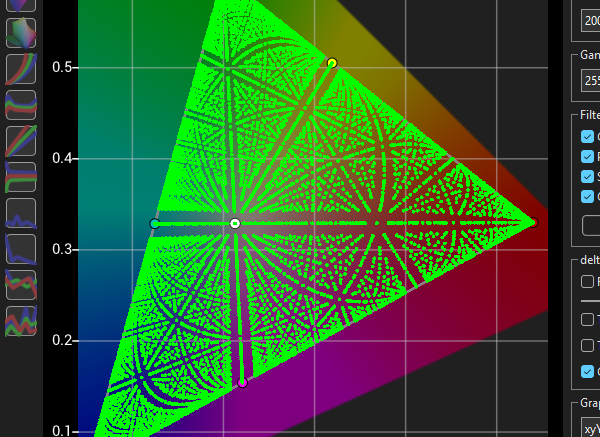
The Custom Filter options can then be used to isolate specific points, such as L < 5 to displays only points below 5 nits, and L >= 5 to display only points greater than & equal to 5 nits.


The Point Info window can then be enabled by double clicking any point in the graph, and the using the Display Selection drop-down to define the points to be measured, using whatever Probe and general ColourSpace settings are defined.

With Displayed selected in the Display Selection drop-down, the points as defined by the Custom Filter will be the selected points used for measurement via the Current Point Info Selection option within Characterisation, with the Add/Modify Points option enabled.

After the selected points have been measured, different Custom Filter settings can be defined to measure alternate points, with different probe and general ColourSpace settings, such as different Integration Times, different Stabilisation values, or even re-run Pre-roll patch sequences between different point set measurements.