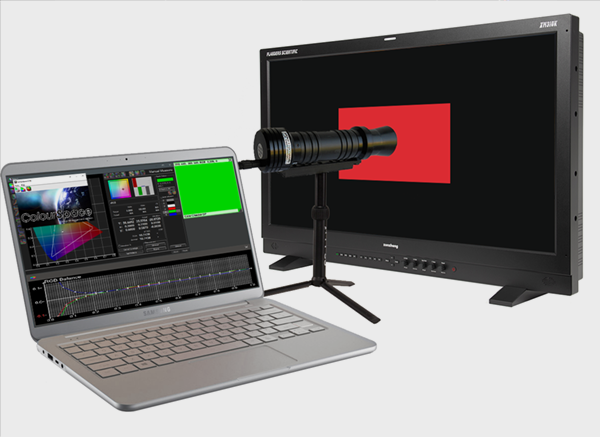
The time taken for ColourSpace to request a patch to be displayed and the actual point at which the monitor displays the patch can be a variable due to delays in the image signal path.
Such a delay means the patch being displayed on the monitor being calibrated actually occurs slightly after the patch displayed within ColourSpace.
Extra Delay
Extra Delay is required to delay the point at which a probe starts measuring when there is a signal delay from the ColourSpace PC to the actual patch being displayed on the monitor being profiled, usually when the signal path is not a simple direct connection.
Such signal path delays mean the patch being displayed on the monitor being calibrated actually occurs slightly after the patch displayed within ColourSpace. Therefore, unless the correct amount of Extra Delay is added, the probe will actually start reading before the correct patch is being displayed.

The same is true with displays that require settling time between patch changes, such as (W)OLEDs and FALD displays for example. With (W)OLEDs there can be colour memory, so the correct colour patch can take a while to settle, while FALD displays can initially fluctuate due to their backlight array dimming algorithms.
Auto Extra Delay
Within Probe Settings, the Auto option for Extra Delay will attempt to calculate the required delay value, but with some probe/settings/monitor configurations will fail, due to the way some probes work.
Additionally, settings such as Intelligent Integration and Average Low Light should be disabled during Auto Extra Delay operation.
It is also very simple to check for the need for additional Extra Delay by running a short Characterisation profile using different Extra Delay values, and Anisometric or Scatter patch sorting, looking for stability in the measured results.


